Auto Tag HVAC Sheets
RayCAD is a Revit plugin that annotates and tags HVAC shop drawings. You configure your firm's placement standards and tag families and it places tags in a clean and non-overlapping manner. Works on normal Revit and fabrication sheets. Drafters only have to verify flagged tags after running RayCAD.

Orbit Engineering Services sees 80% time reduction in tagging.
How does it work?
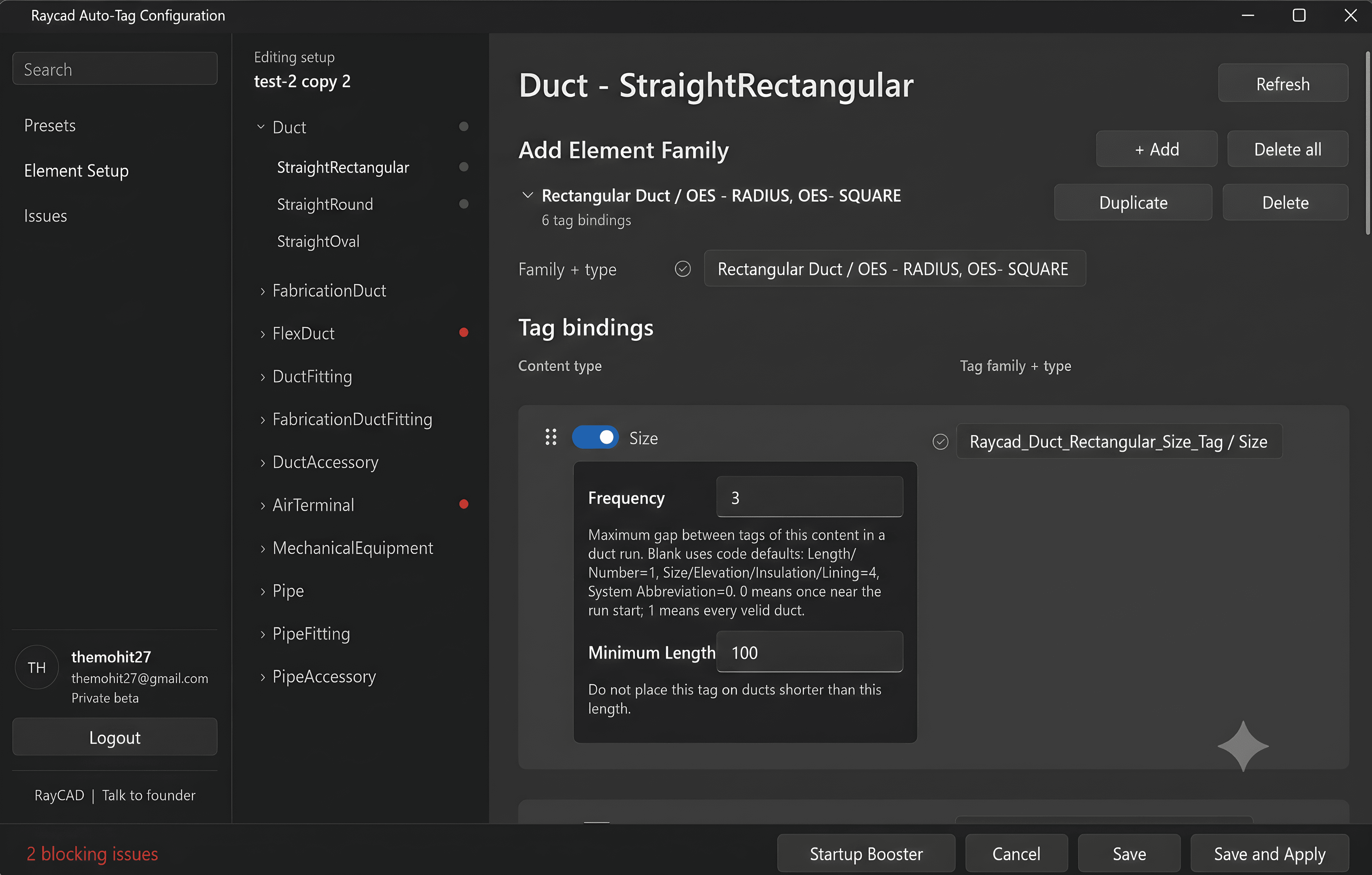
Configure settings
Define which tags to place, like size, elevation, insulation, etc. Set rules for frequency and minimum duct length. Map your specific element families to your tag families.
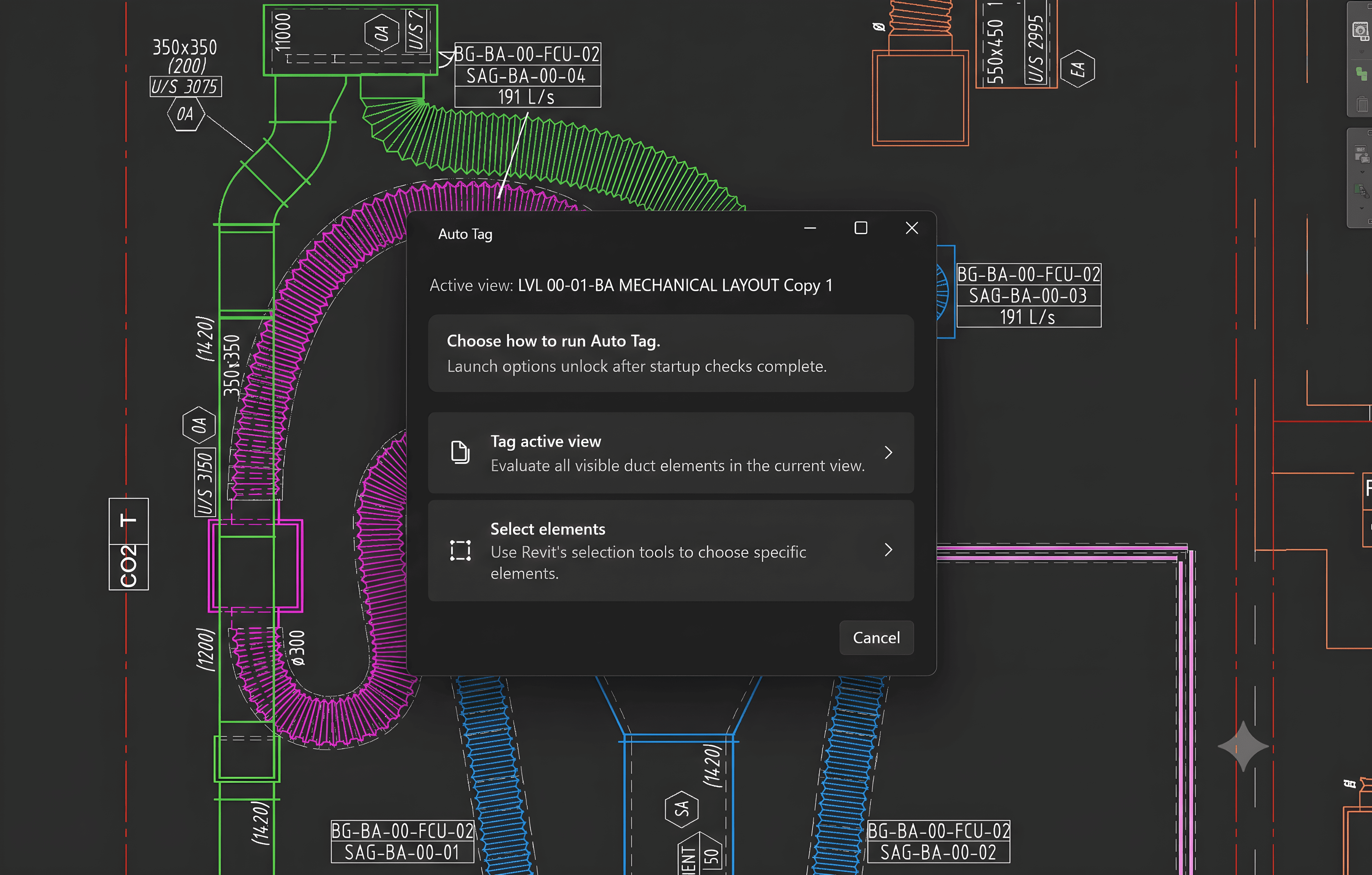
Run Auto Tag
Select the elements to tag. RayCAD extracts element data, scans for empty space, and places tags without overlapping model geometry or text.
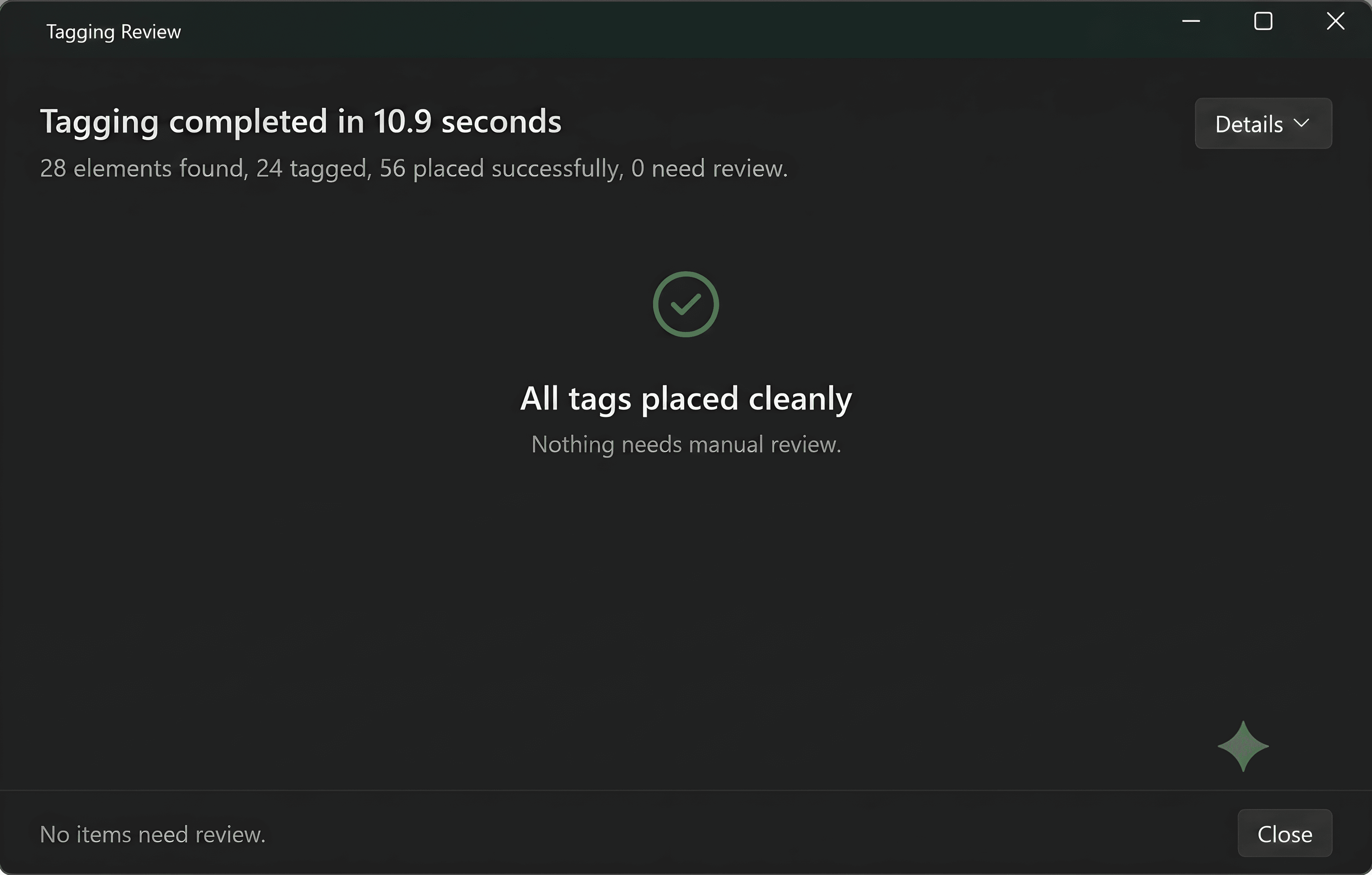
Review flagged tags
RayCAD places the bulk of tags cleanly. The review panel flags difficult placements for manual review. Check the sheet. Your team spends minutes reviewing instead of hours clicking.
Pricing
Ready to try RayCAD?
Unlimited usage, Unlimited login IDs per company. Try free for 15 days, no credit card required.
DownloadWe recommend you book a free setup call with us. We'll guide you and help set up RayCAD as per your company standards.
Book Setup CallFAQs
Does RayCAD run inside Revit?+
Yes. RayCAD runs as a Revit plugin, so the tagging workflow stays inside your existing sheet setup.
How much setup does it need?+
You configure what to tag, the placement rules, and the tag-family mapping once for your standards. After that, the team runs Auto Tag on selected sheets and reviews only the flagged cases.
What does the drafter still need to do?+
RayCAD places the bulk of tags automatically. Drafters still review the flagged placements, usually the crowded or ambiguous cases where manual judgment is still useful.
Can it follow our firm's standards?+
Yes. You define your own placement rules, frequency rules, minimum lengths, and tag-family mappings so the output follows your drafting standard.
Can we use our own families?+
Yes. The configuration maps directly to your existing element families and tag families.
Can we try it on our own project?+
Yes. We can evaluate RayCAD on one of your live Revit models during a demo, walk through the setup, and show exactly what the review workflow looks like on your sheets.